
Troubleshooting Issues at Login/Signup
When you're signing up or logging into your GetThru profile, you may see an error message if something in your setup doesn’t match what the system expects. This guide explains some common errors you might encounter, why they happen, and the steps you can take to resolve them so you can get started quickly.
TABLE OF CONTENTS
Invalid email or password
If your login credentials don’t match the information on your user profile, you’ll see an Invalid email or password error.
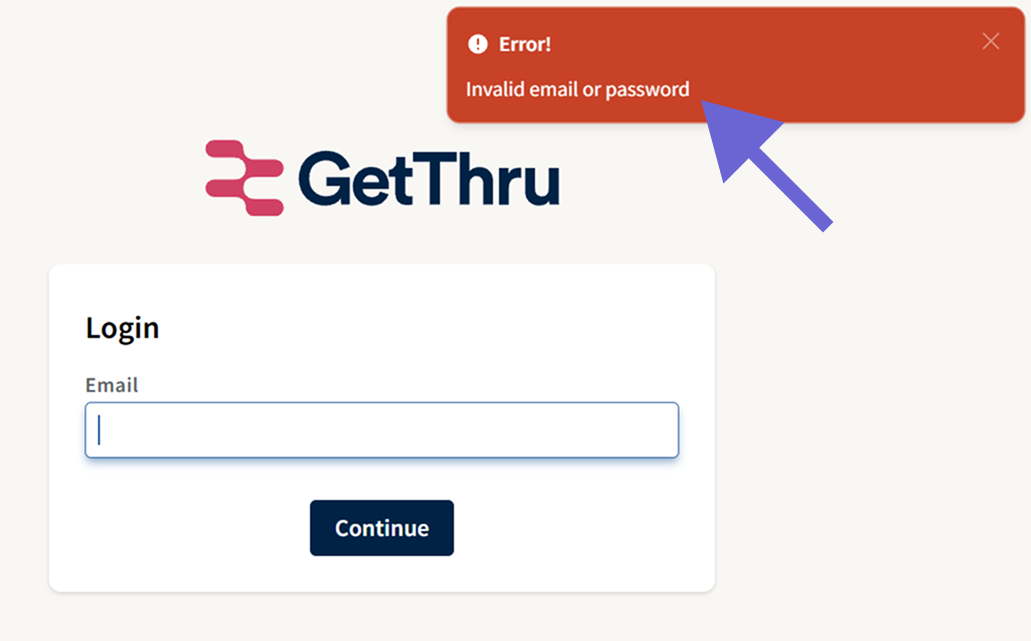
If you can't remember your password, enter your e-mail address, click Continue, and then click Forgot Password.
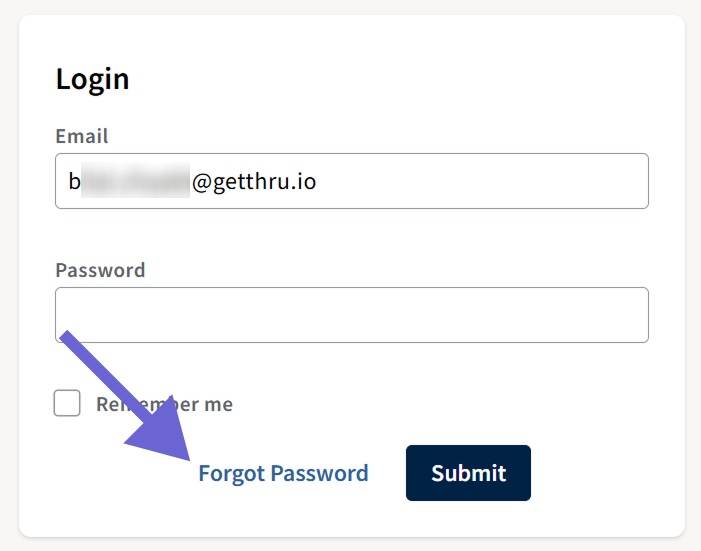
Use this to receive a password reset e-mail. You will only receive a reset email if your email address matches an active user profile in our system. If you do not receive the email, your email address may not be associated with a GetThru profile. If you don't receive an e-mail, reach out to support@getthru.io and provide your e-mail address and phone number so we can look up your profile.
Already Registered
If you see a message stating that you are already registered, it means your email address is already associated with a GetThru user profile.
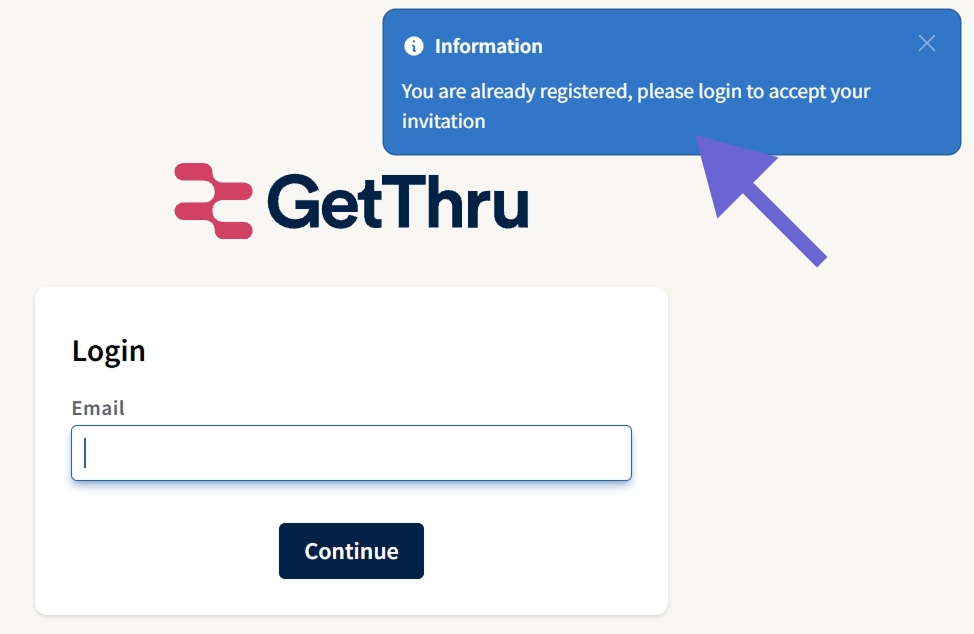
You will need to log in to your existing profile to accept your invitation. You can log in at www.getthru.app. If you can't remember your password, try Forgot Password to request a password reset.
Invitation Already Accepted
If you click an invitation link that has already been used, you’ll see a message indicating that the invitation has already been accepted. Invitation links work only once.
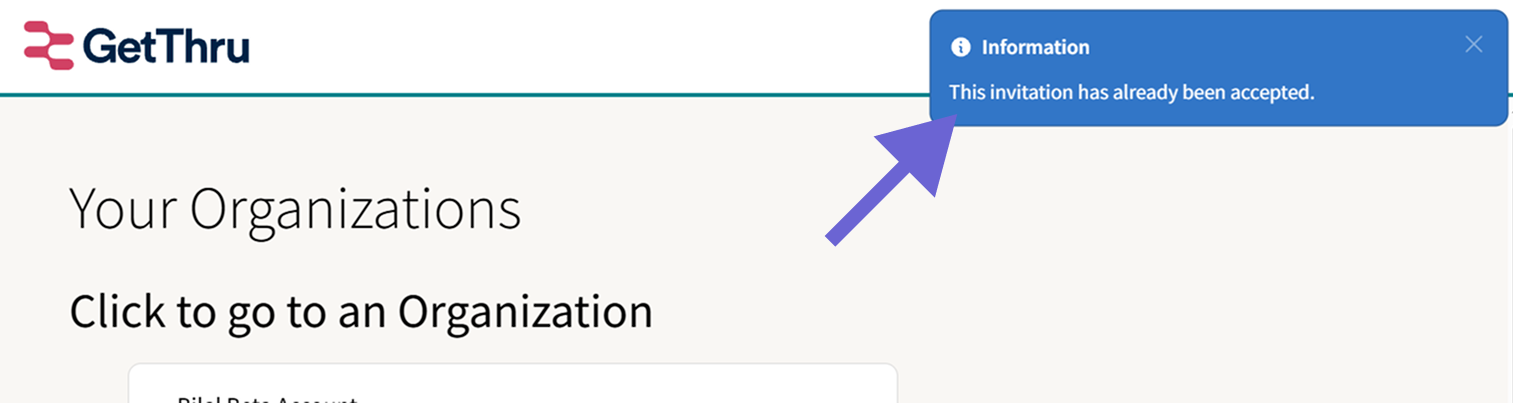
After logging in, go to getthru.app/accounts to view your organizations. New invitations will appear and can be accepted on this page.
Forbidden Country
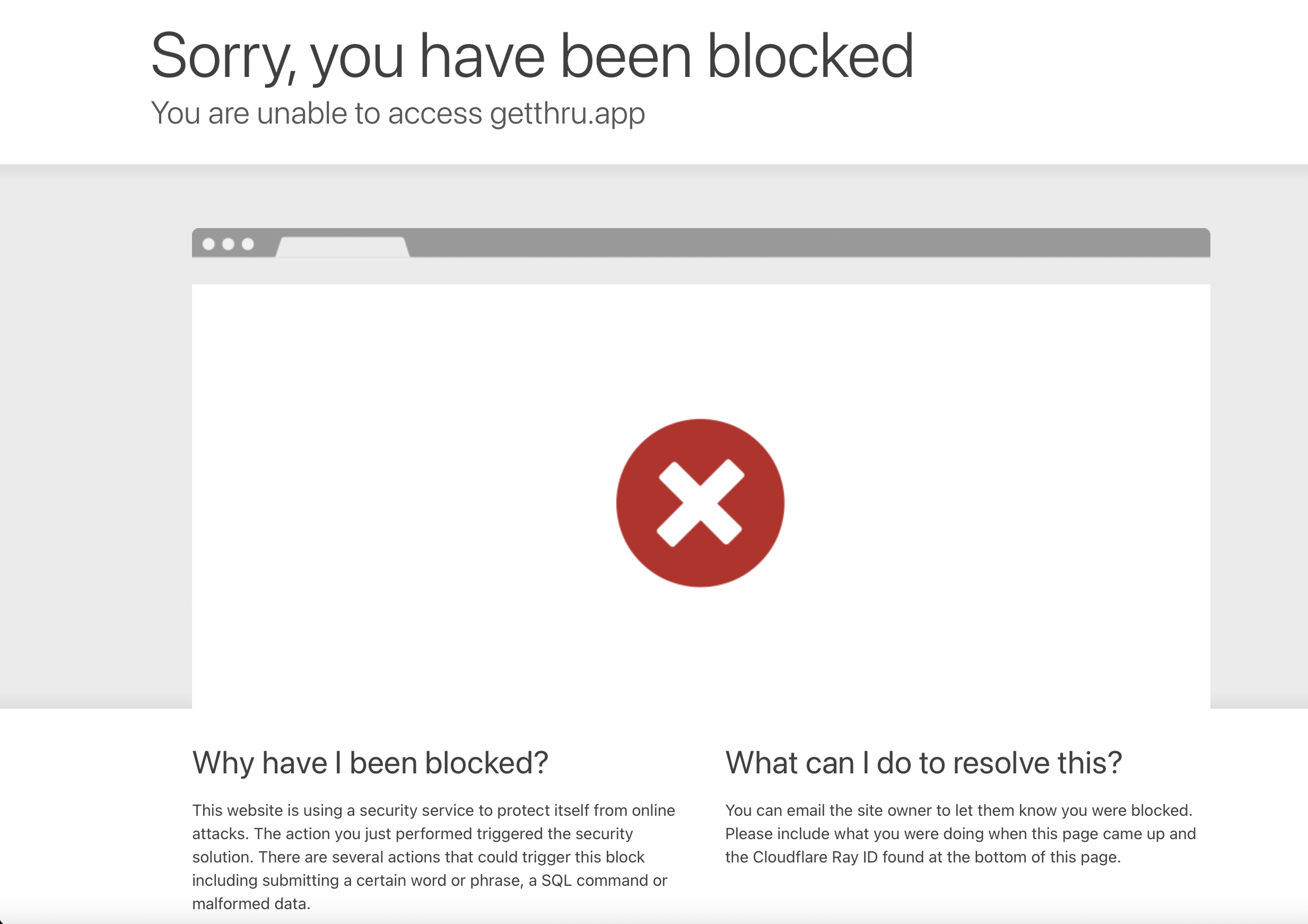
GetThru restricts access from countries subject to U.S. government sanctions. If you receive a forbidden or blocked error, or a 403 error, it means you are attempting to log in from a restricted location. The following error appears in restricted countries:
Still Having Trouble?
If you continue having trouble, please contact support@getthru.io, and we can help resolve it for you! When you reach out, please provide your e-mail address, phone number, name, and organization that you're working with.